Who it’s for:TechnicianProject LeadAdmin
Available on:Web
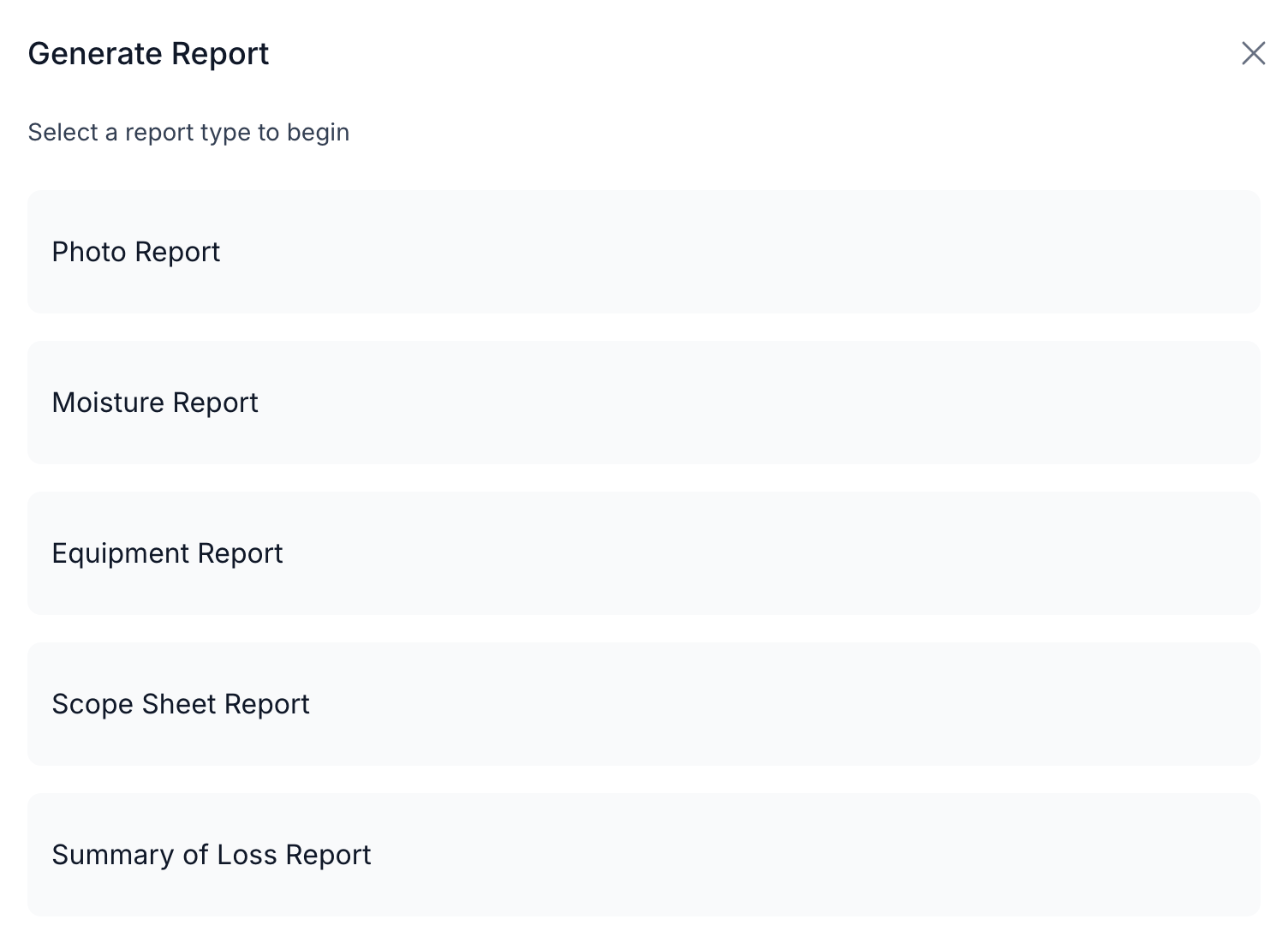
From any job, select Generate Report to choose a report type:
Separately, Estimate, Change Order, Invoice, and Tracking Item PDFs/CSVs are generated from the job’s Time & Materials tab — those don’t go through the Generate Report picker.
Every report pulls your company name and logo from Settings → General, so what you hand a customer looks like it came from your company, not from TrueRestore. All reporting is per-job — there’s currently no way to generate one report spanning multiple jobs.