Who it’s for:TechnicianProject LeadAdmin
Available on:Mobile
Open a job’s Forms tab and start a Time & Materials form for the day. Log labor entries (who worked, how long), equipment placed and running time, and materials used, each tagged to the relevant job code, location, and work type. Submitted forms attach to the job for office review.
Reading the Unit column
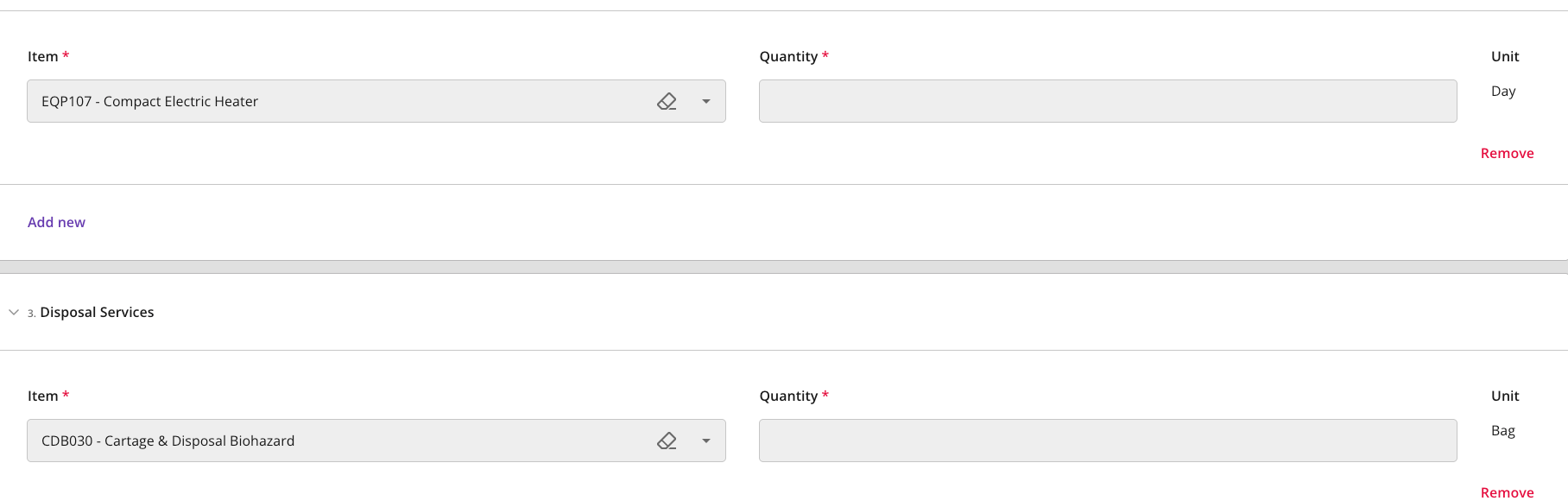
Line item panels show a Unit column beside Item and Quantity. It fills in the billing unit set on the price sheet for whichever item you select — for example “Day”, “Each”, “pairs”, or “items” — so you can confirm what the quantity you enter is being counted in. Unit is read-only. It stays empty until you pick an item, and it stays blank if that item’s price sheet row has no unit set. If none of the items available in a panel have a unit, the panel does not show a Unit column at all.