Who it’s for:TechnicianProject LeadAdmin
Available on:WebMobile
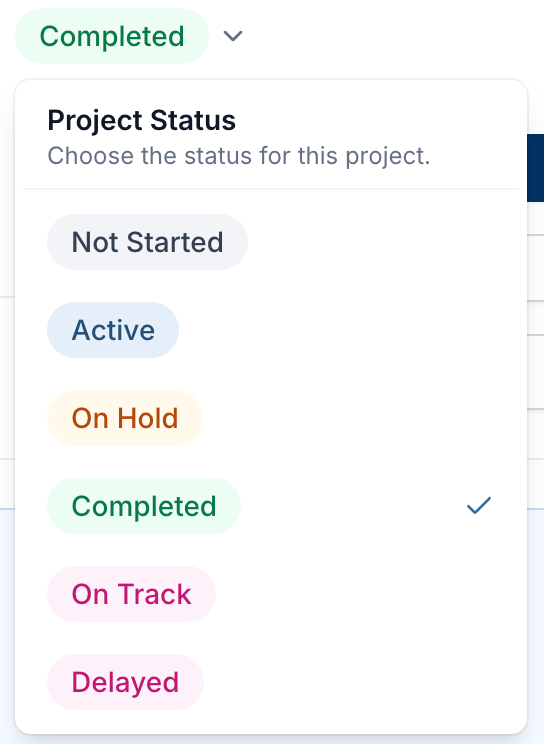
A job’s status is either set explicitly or calculated automatically:
- Completed — marked directly on the job; always takes priority over everything else.
- Custom statuses — your admin can define named statuses with their own colors (e.g. “Awaiting Approval,” “In Mitigation”) under Settings → Jobs. Once one is set on a job, it stays until manually changed.
- Calculated status — if nothing is set, TrueRestore derives a status from the job’s end date: Unassigned (no end date yet), On Track, At Risk (due within 2 days), or Delayed (past due).